

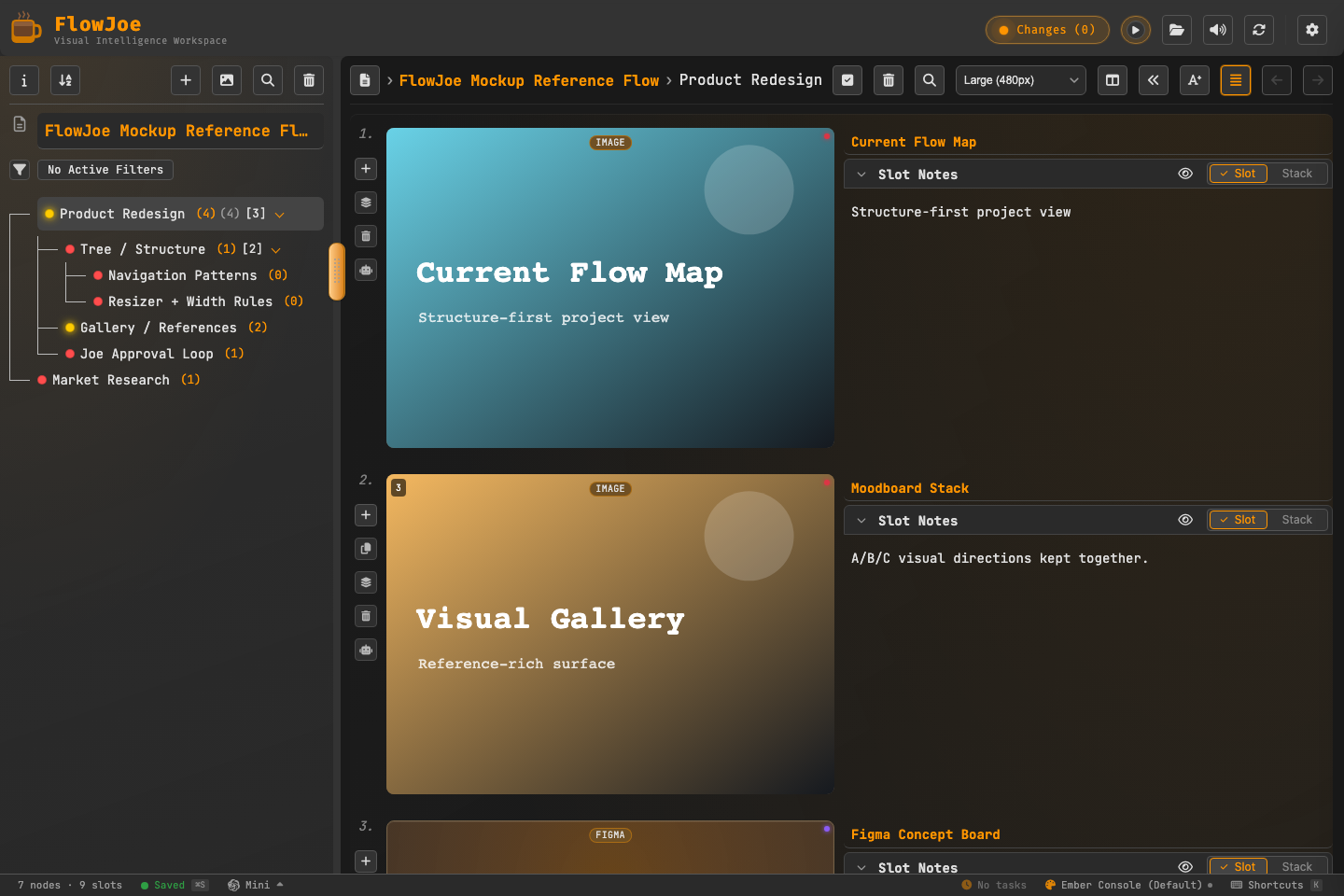
The Flow (Your Project Document)
A Flow is the entire workspace document. It is represented by a single tree outline (or a multi-root tree) and encapsulates all of your work:- Top-Level Identity: A Flow has its own name, visual theme profile, and executive summary.
- Dangling Project Nodes: You can organize distinct projects, chapters, research boards, or ideas as separate outline branches dangling off the root.
- Independent Customization: Each node is an independent “living container.” You can customize every branch individually with its own title, task status (e.g. In Progress, Locked, Private), visual themes, and local galleries without affecting the parent outline.
.fj package).
Roots
A root is a top-level node — nothing sits above it in the tree.- Many Flows start with a single root and grow downward.
- FlowJoe also supports multi-root Flows: several top-level branches side by side (for example separate product lines, or “Work” and “Life” in one document).
Nodes
A node is a place in the tree. It is not just a label. Each node can hold:- A name (and place in the hierarchy)
- Meaning — notes, a summary, status, theme
- References — its own gallery of media, stacks, links, and workbenches
Parents and children
Hierarchy is parent → child:- A parent owns a list of children.
- A child has exactly one parent in the tree (except roots, which have none).
- Depth can go as deep as the work needs — outlines, worldbuilding, org maps, multi-phase plans.
Siblings
Siblings are nodes that share the same parent (including multiple roots, which are siblings at the top level).- Order among siblings matters: you can reorder them to match priority, timeline, or narrative sequence.
- Bulk actions often target a multi-selection of siblings or mixed branches.
Selection
Whatever you select in the tree drives the right side of the app:- Select a node → its gallery (and node-level chrome) is what you see.
- Multi-select → bulk tree actions; the gallery still follows the product’s selection rules for the focused node.